Managing your Do Not Disturb Settings
iPhone 16 Pro
Managing your Do Not Disturb Settings
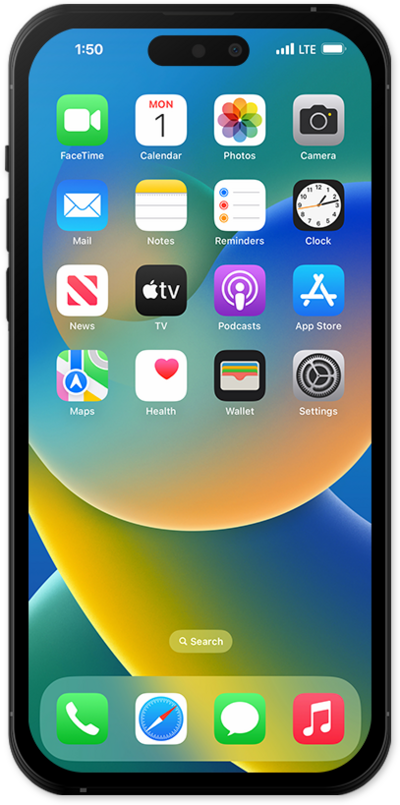
When your device is in do not disturb or silent mode, it will not make a sound to notify you of incoming notifications.
1.
From within the Settings app, scroll to and tap Focus.
2.
Tap Do Not Disturb.
3.
From this screen, you can view and edit your Do Not Disturb options. These options include:
- Intelligent Breakthrough & Silencing - Enable this feature to allow your iPhone to intelligently determine when a priority notification is important enough to interrupt you, even while Do Not Disturb is enabled.
- Allow Notifications - Use these options to manually select people and apps that are always allowed during Do Not Disturb.
- Customize Screens - To further limit distractions, you can choose a unique Lock Screen or Home Screen page to appear while Do Not Disturbed is enabled.
- Set a Schedule - Allows Do Not Disturb to turn on automatically at set times, locations, or while specific apps are in use.
4.
To turn Do Not Disturb on, drag down from the top right portion of your screen to access the Control Center.
If you are using a device with a home button, swipe up from the bottom of your screen.
5.
Tap Focus to view your current Focus options.
If you are using another Focus mode, such as Reduce Interruptions, tap that instead.
6.
Tap Do Not Disturb.
Tapping Do Not Disturb again will turn it OFF.
7.
You've completed the steps!
