Turning cellular data on and off for individual apps
iPhone 14 Pro
Turning cellular data on and off for individual apps
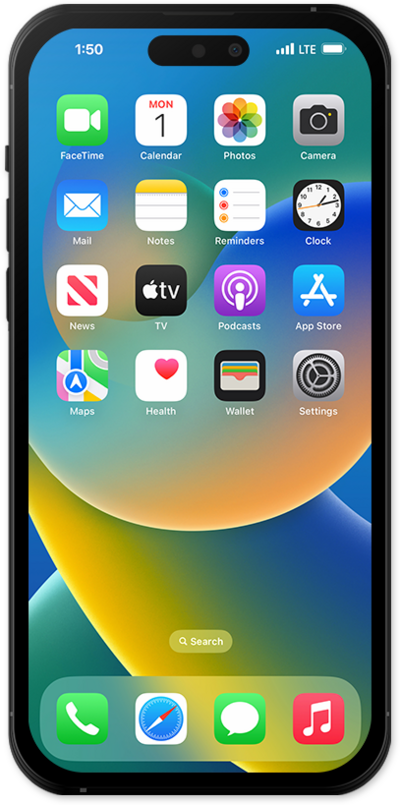
You can view how much cellular data each of your apps has used and temporarily prevent them from accessing cellular data.
1.
From within the Settings app, tap Cellular.
Cellular may be called Cellular Data or Mobile Data depending on your device.
2.
Scroll to the Cellular Data section.
From this section, you can view your data usage since you last reset your iPhone’s usage statistics. Your cellular carrier will have the most up-to-date figures for your actual monthly data use.
3.
Tap the slider near an app to restrict it or allow it to access your cellular data connection.
Other options on this screen may differ depending on the capabilities of your carrier’s network or your device.
4.
You've completed the steps!
