Editing your contact card
iPad Pro 11-inch (3rd generation)
Editing your contact card
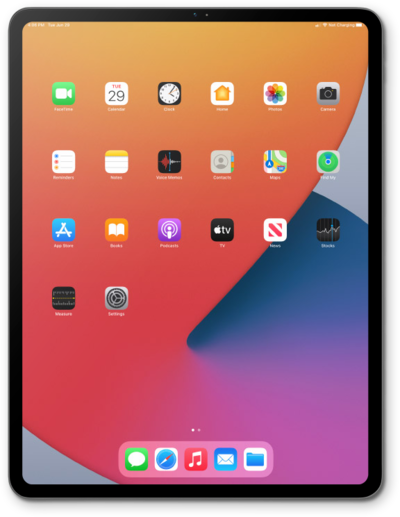
Explore how to set up your Messages profile. You can choose whether to share the name and photo on your iCloud account when sending messages.
1.
From the Contacts app, with your contact card selected, tap Shared Name and Photo.
For this tutorial we are editing the contacts card from within the Contacts app. However, it can also be edited within the Settings app, within your Apple ID card.
2.
Select the avatar you wish to use for your contacts card, then tap Poster.
On this screen, you can select an avatar from various categories.
3.
Select the poster you wish to use, then tap the Checkmark icon.
On this screen, you can select a poster from various categories.
4.
You've completed the steps!
