Managing your Standby Mode’s display off times
iPhone 17 Pro Max
Managing your Standby Mode’s display off times
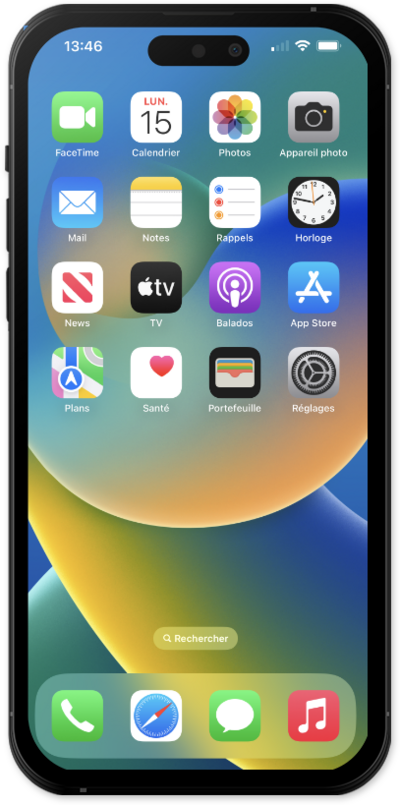
StandBy mode is an innovative feature that turns your iPhone into an always-on smart display. StandBy is triggered when your iPhone is placed on its side while charging, allowing you to view photos, clocks, or other widgets.
1.
From the Settings app, scroll to and tap StandBy.
2.
Tap or slide the StandBy switch to ON.
From here you can select your preferences. The following step is only available to iPhone 14 Pro and later models.
3.
Tap Display.
4.
Select your preferences.
Changing this will affect when your iPhone turns off when not in use.
5.
You've completed the steps!
