Turning on and managing your personal hotspot's settings
iPad (9th generation)
Turning on and managing your personal hotspot's settings
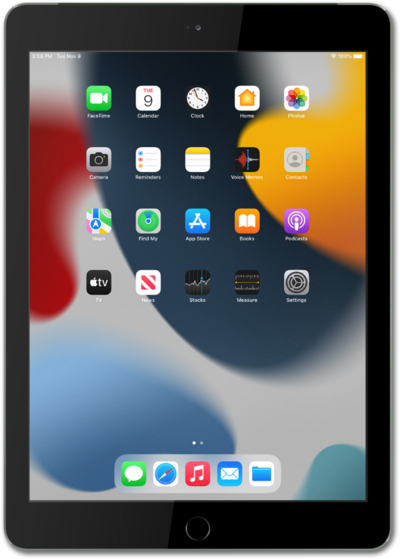
Enabling Personal Hotspot on your device allows you to share your cellular connection with other devices through Wi-Fi. Follow along with this tutorial to learn how to enable your Personal Hotspot.
1.
From within the Settings app, tap Cellular Data.
2.
Tap Personal Hotspot.
Your device may say "Set up Personal Hotspot". Personal Hotspot is not included on all cellular plans, so you may need to contact your carrier provided for setup instructions.
3.
From this screen, you can perform a variety of actions:
- Allow Others to Join - Tap or slide to on to allow others to join your hotspot network.
- Set a Password - Customize the password for your hotspot network.
4.
You've completed the steps!
