Apple iPad (9th generation) Device Help & How-To Guides
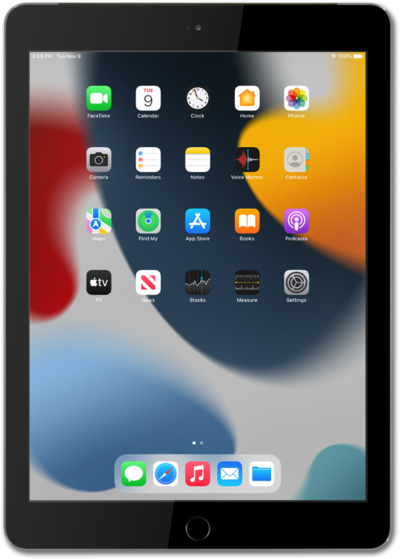
What would you like to learn about your device?
Trending iPad (9th generation) topics
Resetting network settings, resetting all settings, and deleting all eSIMS on your iPad
If you are having trouble connecting to the Internet you may need to reset your network connections. Resetting your network connections will disconnect any Bluetooth devices connected to your device and disconnect your device from any Wi-Fi networks it is connected to.
ExploreFinding your iPad's IMEI number
Discover where to find your device's IMEI. In some instances, your IMEI number is also your Device ID number.
ExploreTurning mobile data on or off
Mobile data connects your phone to the internet through your network when Wi-Fi isn't available. Toggling it off and back on is also a quick fix for connection issues, like slow speeds, stuck signals, or apps that won't sync. Follow the steps below to turn it on or off.
Explore