Changing your default notification, sound, and haptic settings
iPhone 16 Pro
Changing your default notification, sound, and haptic settings
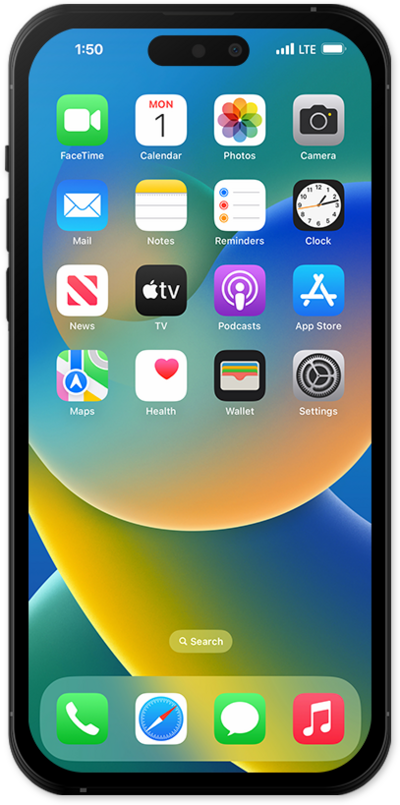
Update your default notification, sound, and haptic settings to your personal preferences to get the best user experience.
1.
From the Settings app, scroll to and tap Sounds & Haptics.
2.
Scroll to and tap Default Alerts.
Changing your default alert will cause any notifications without an assigned alert to use the default instead.
3.
Tap Haptics.
Use the haptics settings to control when your phone vibrates for incoming notifications.
4.
You've completed the steps!
