Setting your iPhone's default apps
iPhone 17 Pro Max
Setting your iPhone's default apps
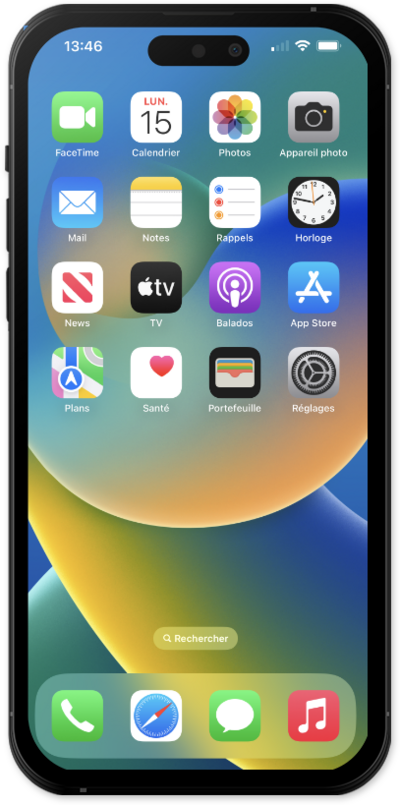
Default apps allow you to choose which apps handle certain actions on your device. Learn how to manage and set these default apps.
1.
From the Settings app, scroll to and tap Apps.
2.
Tap Default Apps.
3.
Tap Email.
For this tutorial we will be changing the default email app, you can also change the default app for the sections listed on your device.
4.
Select your preferred email app.
5.
You've completed the steps!
