Navigating to Cellular Settings
iPhone 14 Pro
Navigating to Cellular Settings
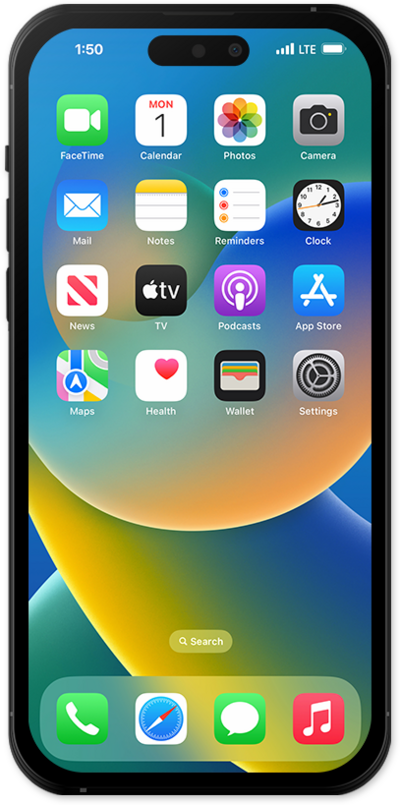
This tutorial guides you through accessing your mobile phone's Cellular Settings, where you can manage your mobile data, adjust network preferences, configure roaming, and control other essential cellular connectivity options.
1.
From the Settings app, tap Cellular.
You may need to tap Set up Cellular and follow the on-screen instructions before you can access cellular data settings.
2.
From this screen, you can perform various actions:
- Turn Cellular Data on and off - This toggle will enable or disable your cellular data. While disabled, your phone will only be able to access the internet via Wi-Fi. This does not disable your ability to send or receive phone calls or SMS.
- Turn Roaming on and off - Tap Cellular Data Options to access this option. While Data Roaming is enabled, you'll be able to access mobile data while outside your standard coverage area. Doing so may incur additional charges.
- View data usage - See a summary of cellular data usage, both Roaming and non-Roaming, during your current usage period. Scroll to the Cellular Data section to see this information.
- Set specific apps and services to use data - Under Cellular Data, toggle an app ON or OFF to allow or disallow its access to mobile data.
3.
You've completed the steps!
