Using Lockdown Mode and setting up sensitive content warnings
iPad mini (A17 Pro)
Using Lockdown Mode and setting up sensitive content warnings
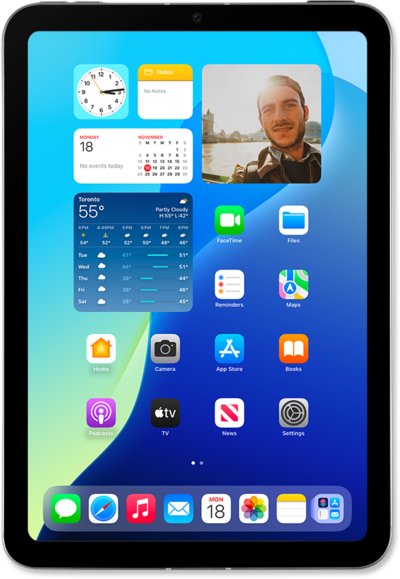
Lockdown Mode offers a more advanced form of protection designed to protect your device from more sophisticated cyber attacks.
1.
From the Settings app, scroll to and tap Privacy & Security.
2.
From here you can manage the following settings:
- Sensitive Content Warning - Enable this option to have your iPhone automatically detect inappropriate photos and videos before you view them. When enabled, you can customize the apps and services that will have access to this feature.
- Lockdown Mode - This high-security mode will limit or completely restrict your available apps, websites, and feature functionality. It is best used in response to an active cyberattack.
3.
You've completed the steps!
