Guiding and taking control of a device using screen sharing
iPad (A16)
Guiding and taking control of a device using screen sharing
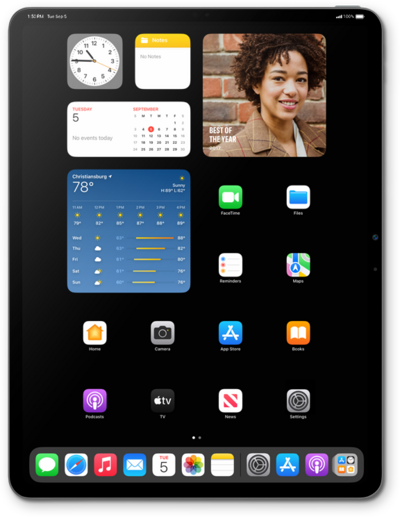
Learn how to share your device's screen and controls.
1.
From a Facetime call, tap Share.
2.
Tap Share My Screen.
3.
On the other device, tap the shared screen to view it closer.
4.
Draw on the shared screen to annotate it.
Your annotations will show on the sharing user's device in real time.
5.
To remote control the shared device, tap the Remote Control icon to request access.
The other user will need to tap Allow to give you access to their device.
6.
You've completed the steps!
