Using airplane mode
Watch Series SE 3
Using airplane mode
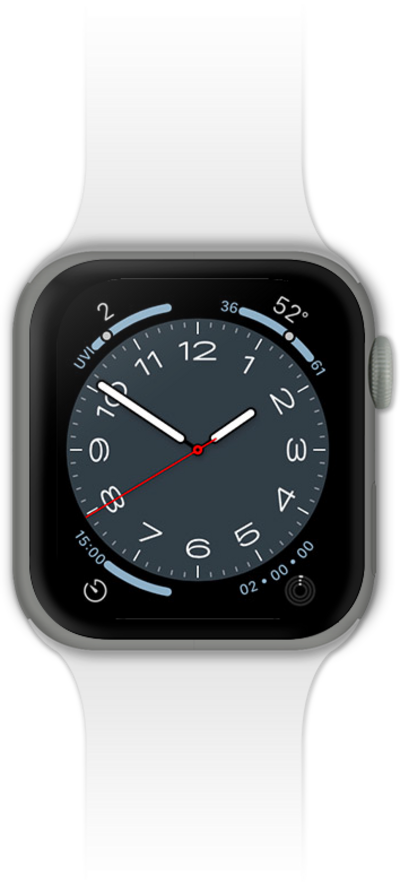
Airplane mode turns off cellular, Wi-Fi, and Bluetooth connections. (Note: You can manually turn Wi-Fi or Bluetooth back on while airplane mode is active.)
1.
From the control panel, swipe to Airplane Mode.
2.
Tap the Airplane Mode icon.
To turn off Airplane Mode, tap the Airplane Mode icon again.
3.
You've completed the steps!
