Turning off Wrist Detection
Watch Ultra 2
Turning off Wrist Detection
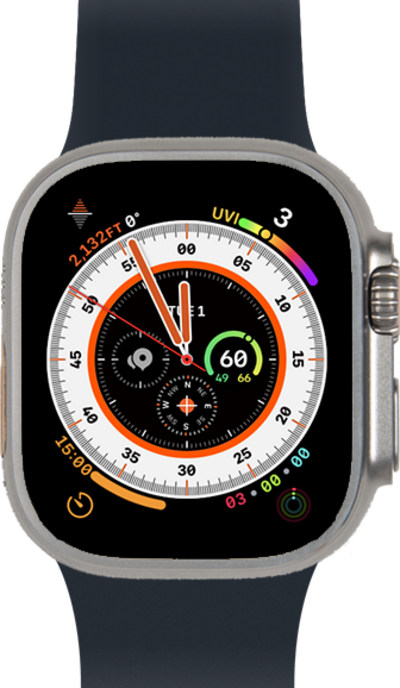
Discover how to turn off wrist detection on your smart watch. If you're using a passcode, wrist detection locks your watch when you're not wearing it, so your information stays secure.
1.
From the Settings app on your watch, scroll to Passcode.
2.
Tap Passcode.
3.
Scroll to Wrist Detection.
4.
Tap the Wrist Detection switch.
If you have a passcode set up, enter your passcode on the next screen.
5.
Scroll to Turn Off.
6.
Tap Turn Off.
7.
You've completed the steps!
