Using the display
Watch Series 10
Using the display
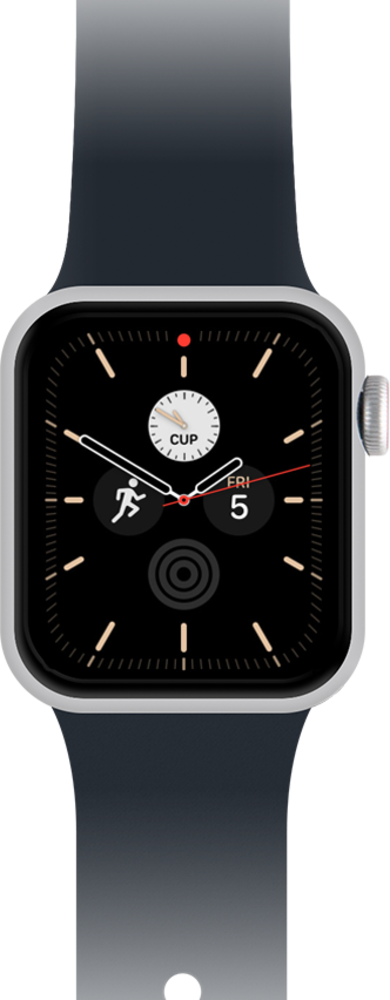
Learn how to navigate your watch face to access your additional watch screens, Control Center, and Notification Center.
1.
From a watch face, swipe up to access Smart Stack.
2.
Swipe down to return to the watch face.
3.
Swipe down to access Notification Center.
4.
Swipe up to return to the watch face.
5.
Firmly press the display to customize watch faces.
6.
You've completed the steps!
