Using the Digital Crown
Watch Series 10
Using the Digital Crown
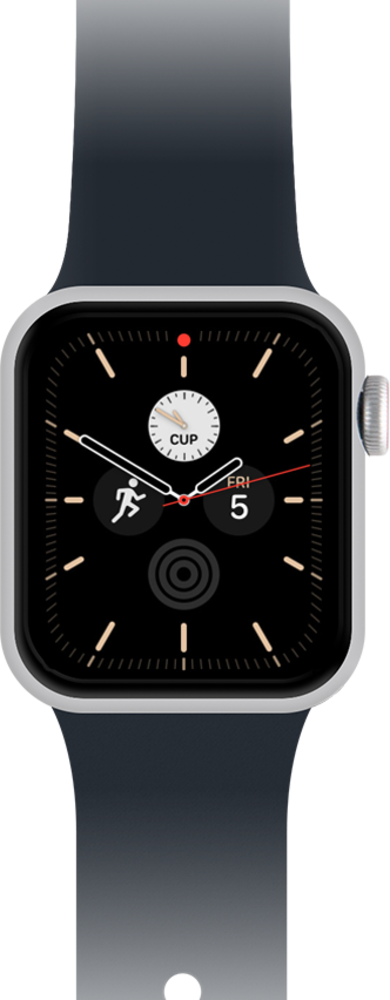
Explore the different functionalities of the digital crown on your Apple Watch.
1.
From a watch face, press the Digital Crown to view your apps.
2.
Tap the Settings icon.
You can view your apps in a list view if you prefer.
3.
Turn the Digital Crown to scroll.
4.
Press the Digital Crown to return to your apps.
5.
Double-click the Digital Crown to view the app switcher
6.
Turn the Digital Crown to scroll through your recently used apps.
7.
Press and hold the Digital Crown to launch Siri.
8.
You've completed the steps!
