Customizing a Watch face
Watch Series 11
Customizing a Watch face
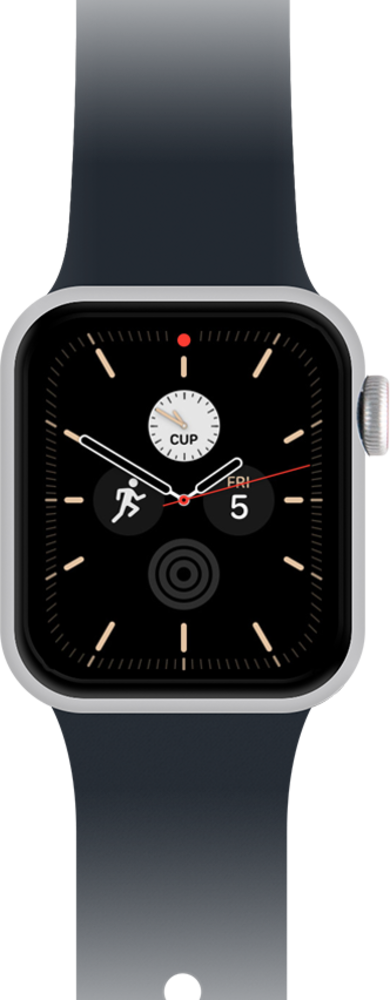
On your watch you can choose different designs, adjust the colors, and set up complications to your watch face.
1.
From a watch face, firmly press the display.
2.
Swipe left or right to choose a face.
By default your watch may only have one watch face.
3.
Tap Edit.
4.
Swipe to a feature you'd like to customize.
5.
Turn the Digital Crown to customize the feature.
6.
Press the Digital Crown to save your changes.
7.
You've completed the steps!
