Adding a new Watch face
Watch Series 11
Adding a new Watch face
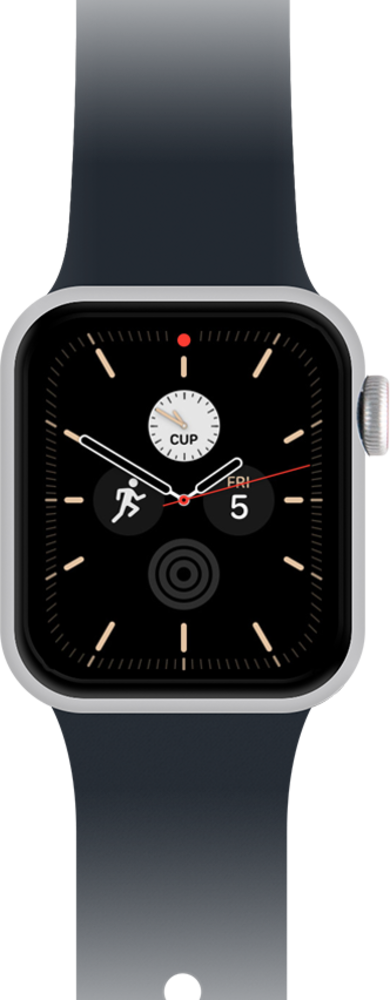
Learn how to set up a new watch face on your main screen. You can remove the watch face later if needed.
1.
From a watch face, firmly press the display.
2.
Swipe from right to left until you reach the Add icon.
3.
Tap the Add icon.
4.
Swipe to the face group you'd like to add from.
To look at the face options individually, scroll to and tap All Watch Faces.
5.
Tap the face group you'd like to add a watch face from.
6.
Swipe to the face you'd like to add.
7.
Tap Add.
To customize the watch face, firmly press the display and tap Customize.
8.
You've completed the steps!
