Managing your Smart Stack widgets
Watch Ultra 3
Managing your Smart Stack widgets
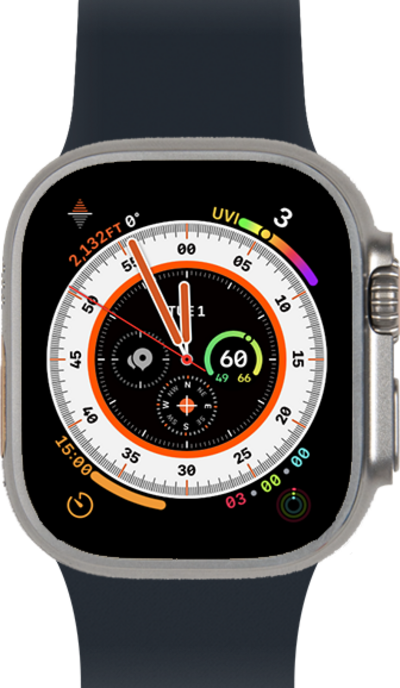
Smart Stack is a set of widgets that uses information such as the time, your location, and your activity to automatically display the most relevant widgets at the appropriate time. Learn how to manage your Smart Stack widgets.
1.
From a watch face, swipe up to view your widgets.
Smart Stack hints may pop up on this screen from time to time. These hints are subtle visual cues that suggest relevant widgets from the Smart Stack, based on factors like location, time, and user activity.
2.
Scroll to and tap Edit.
3.
Tap the Add icon.
4.
Select a widget to add.
5.
Tap the Minus icon to remove a widget.
6.
Tap the Pin icon to pin a widget.
7.
Tap the Checkmark icon.
8.
You've completed the steps!
