Calling a contact
Watch Ultra 2
Calling a contact
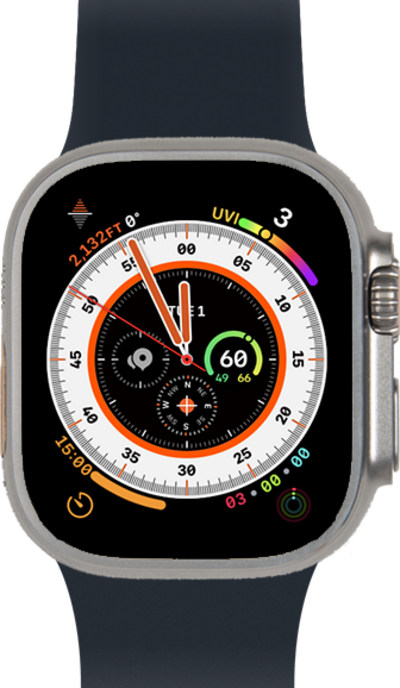
Use your saved contacts to place a call rather than typing out their number from memory.
1.
From the Phone app main screen, tap Contacts.
2.
Scroll to a contact.
3.
Select a contact to view.
4.
Tap the Phone icon to call the contact.
For this tutorial we are calling a contact's mobile number. You may choose to call via FaceTime Audio, but steps may differ.
5.
Tap mobile.
You can also send a message or email from this screen.
6.
You've completed the steps!
