Changing message settings
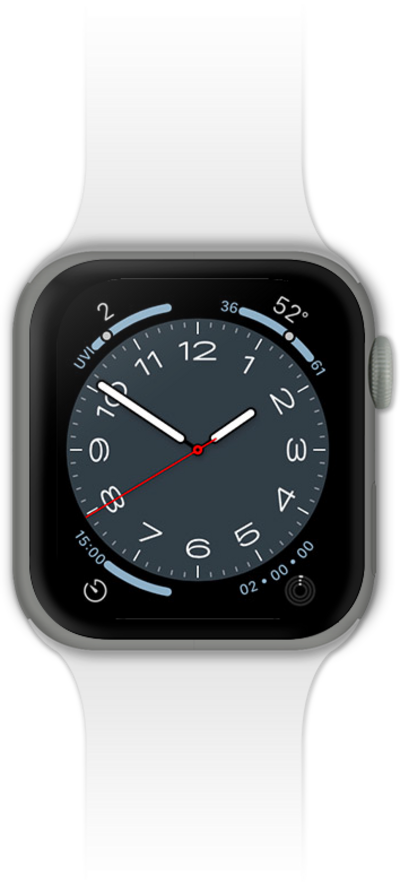
Watch Series SE 3
Changing message settings
Change the text messaging settings for your device. You can change your notification settings, change your default SMS app, auto-download MMS text, and more.
1.
From the Watch app main screen on iPhone, scroll to Messages.
2.
Tap Messages.
3.
Tap Custom.
4.
Select your Messages preferences.
5.
You've completed the steps!
