Capturing and viewing screenshots
Watch Series SE 3
Capturing and viewing screenshots
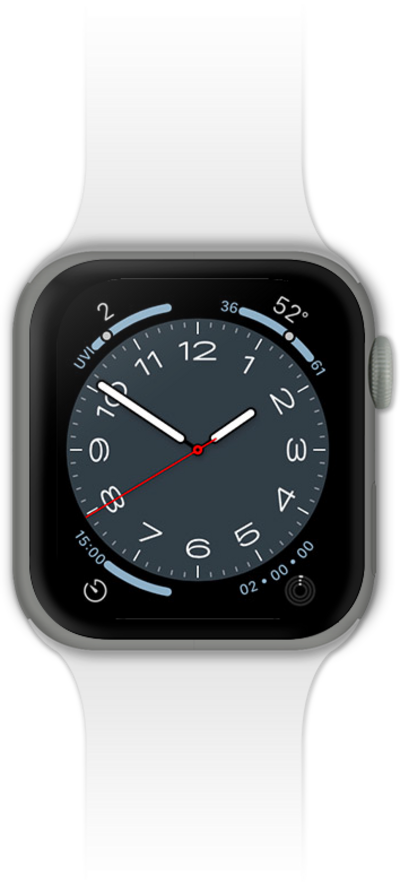
You can take screenshots of what is on your device. Screenshots can be viewed and shared like pictures.
1.
From the Watch app main screen on iPhone, scroll to General.
2.
Tap General.
3.
Scroll to Enable Screenshots.
4.
Switch Enable Screenshots to ON.
5.
From a screen you would like to capture, press the Side button and Digital Crown at the same time.
Screenshots are saved in the Camera Roll on your iPhone.
6.
You've completed the steps!
