Viewing your activity summary
Watch Series 11
Viewing your activity summary
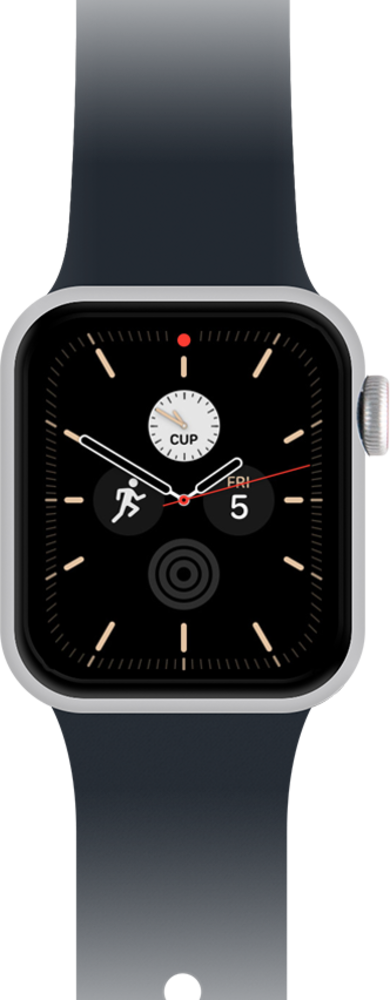
Learn how to view your weekly activity summary on your smart watch. Your weekly summary describes your weekly fitness activity, calories burned, steps, distance, and steps climbed.
1.
From the Activity app main screen, tap Weekly Summary icon.
2.
Scroll to view your activity.
3.
You've completed the steps!
