Updating your move goal
Watch Series 11
Updating your move goal
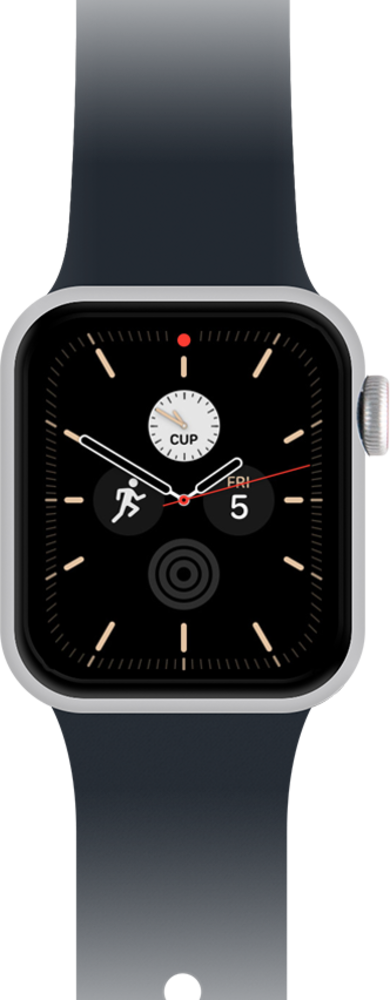
Discover how to update your move goal directly from your watch.
1.
From the Activity app main screen, tap Weekly Summary icon.
2.
Scroll to Change Goals.
3.
Tap Change Goals.
4.
Tap the Decrease icon to reduce your Move goal.
5.
Tap the Increase icon to raise your Move goal.
6.
Tap Set to apply your new Move goal.
7.
Tap Set again.
Adjust your exercise goal if desired.
8.
Tap Set.
Adjust your stand goal if desired.
9.
You've completed the steps!
