Viewing your Training Load Summary
Watch Series 11
Viewing your Training Load Summary
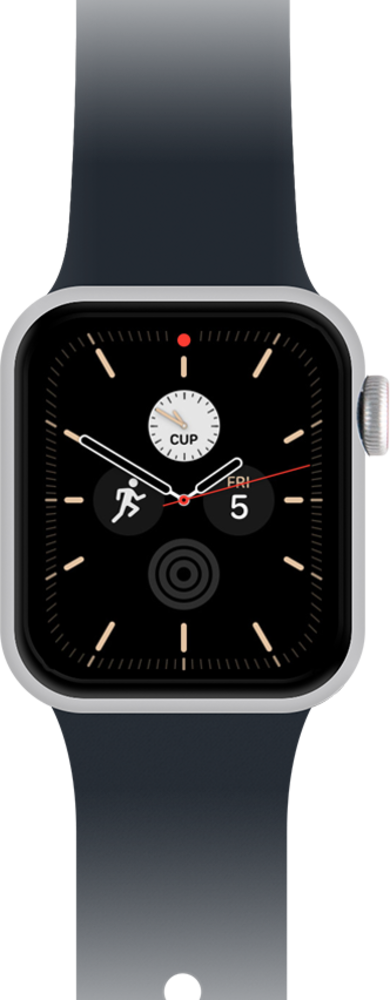
Learn how to view your training load summary to help you better manage your workouts and rest intervals.
1.
From the Activities app, tap the Weekly Summary icon in the top right of your watch display.
Within the scroll you can view your 28 days / 7 day activity and can manually change goals and pause rings within your activities. You can also view this data on your fitness app.
2.
You've completed the steps!
