Restoring your watch from a backup
Watch Series 11
Restoring your watch from a backup
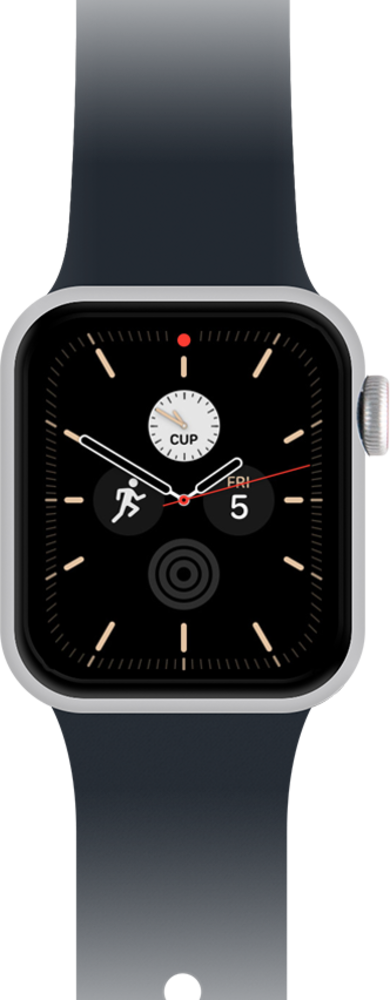
Restoring your new watch from a backup is a great set up option as it allows you to transfer most of all the data and settings that were stored on your previous watch to your new watch. Use these steps to familiarize yourself with the simple process of restoring your watch from a backup.
1.
After the watch has been paired to you iPhone, tap Restore from Backup.
2.
Tap the device you would like to backup from.
3.
Tap Continue.
Follow the on-screen prompts to complete setup for your family member.
4.
You've completed the steps!
