Starting a workout
Watch Series 11
Starting a workout
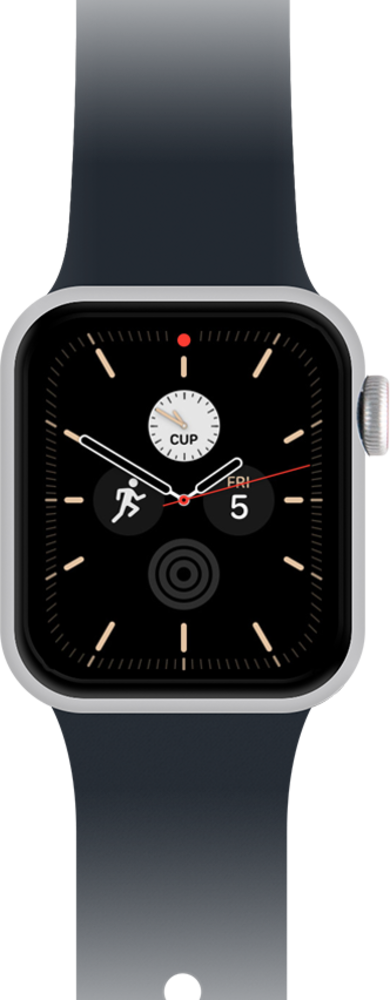
Explore how to start and end a workout directly on your smart watch. You can view more details and manage your workouts in your device's health app.
1.
From the apps screen, tap the Workout icon.
You can view your apps in a list view if you prefer.
2.
Scroll to the desired workout.
3.
Tap the Play icon to start the workout.
4.
To end a workout, swipe from left to right.
5.
Tap End.
From this screen you can also lock your Watch or pause the workout.
6.
Tap the X icon after you finish reviewing your Workout Summary.
7.
Scroll to the Plus icon.
8.
Tap the Plus icon to add a new workout.
9.
Scroll to and select a workout type.
10.
Tap the Play icon on the newly added workout.
11.
You've completed the steps!
