Hiding notification details
Watch Series 11
Hiding notification details
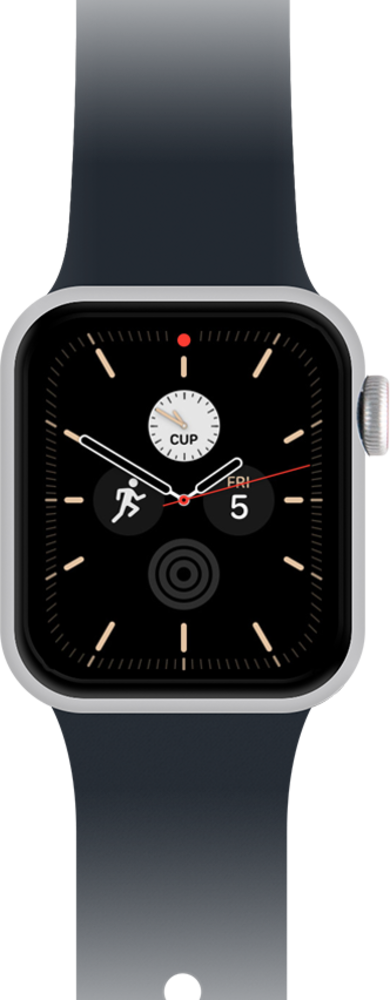
Learn how to change your notification settings. You can turn off notifications for things you don't need to be notified about or change the frequency of other notifications.
1.
From the Watch app main screen on iPhone, tap Notifications.
2.
Tap or slide the Tap to Show Full Notification slider to the on position.
When this is on, notification details will only appear when you tap on an alert.
3.
You've completed the steps!
