Changing the file size of pictures and videos
Galaxy Tab S8+ 5G
Changing the file size of pictures and videos
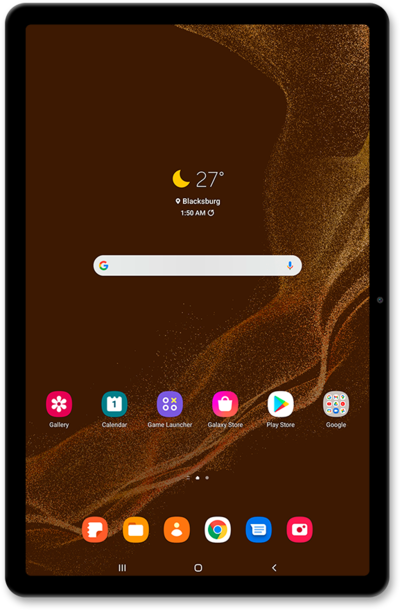
In the camera app's settings you can change the resolution of the pictures or videos your device will take. A lower resolution photo will take up less space on your device but may not look as good as a high resolution photo.
1.
From the Camera app, tap the More options icon.
2.
Tap the Settings icon.
3.
Scroll to and tap or slide the High efficiency videos switch on ON.
4.
Tap the Back icon to save your changes.
5.
You've completed the steps!
