Adjusting RTT/TTY calling settings

Moto G Power - 2026

Adjusting RTT/TTY calling settings
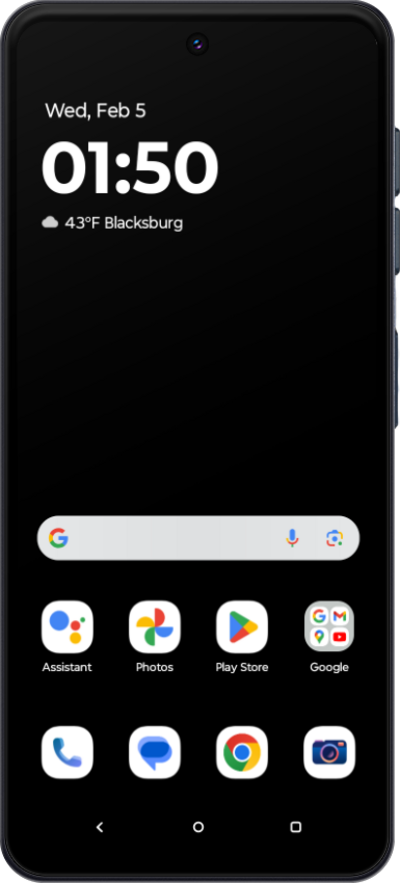
Learn how to adjust your RTT/TTY calling settings. This feature allows you to communicate effectively over the phone if you are having hearing or speech difficulties.
1.

From the Accessibility section of Settings, scroll to Real Time Text (RTT) Call.

Next
From the Settings app, scroll to and tap Apps.

Was this guide helpful?


Related topics


Accessibility

Adjusting your display size
Adjusting your font size
Changing your display mode
Changing your tap duration
Changing your typing preference for TalkBack
Turning off animations on your device
Turning on Spoken assistance accessibility options
Turning on Universal switch
Turning on and changing Color adjustment settings
Turning on and changing Flash notification settings
Turning on and changing Live Caption settings
Turning on and changing your Accessibility menu
Using TalkBack
Using screen magnification