Turning on Spoken assistance accessibility options
Moto G Power - 2026
Turning on Spoken assistance accessibility options
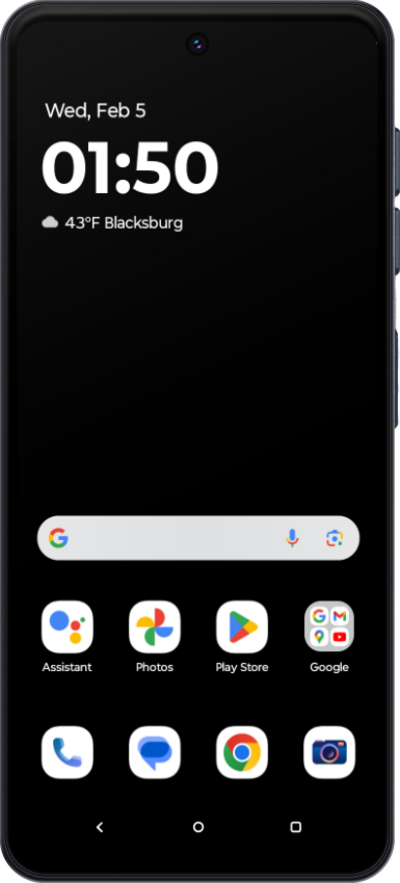
Your device can speak the text you're typing if you need a little help with your keyboard inputs.
1.
From the Settings app, scroll to and tap Accessibility.
2.
Tap Select to Speak.
3.
Tap or swipe the Select to Speak shortcut switch to ON.
4.
Tap Allow.
5.
Tap Got it.
6.
To activate Select to Speak, swipe down to open the Notification Panel.
7.
Swipe down again to open Quick Settings.
8.
Swipe to Select to Speak.
9.
Tap Select to Speak.
10.
Drag your finger across any on screen text to select it.
Your device will dictate the text within the highlighted box.
11.
You've completed the steps!
