Assigning your preferred SIM to use with a contact
Moto G Play - 2026
Assigning your preferred SIM to use with a contact
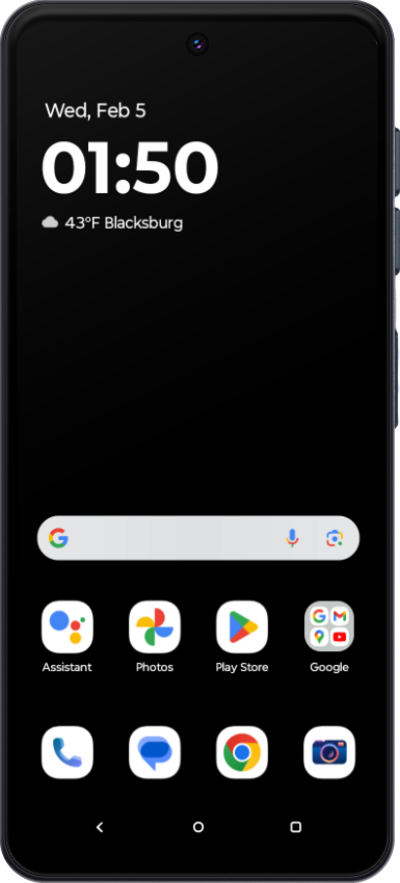
Set a contact's preferred line when you have two SIM cards. This will make the preferred line the default whenever you interact with that contact.
1.
From the Settings app, tap Network & internet.
2.
Tap SIMs & mobile network.
3.
Tap Assign SIM to contacts.
4.
Select the contact you'd like to set your preferred cellular plan for.
5.
You've completed the steps!
