View & Manage Data
Nighthawk LTE Mobile Hotspot Router (MR1100)
View & Manage Data
Access Usage Manager to view data usage, set data limits, and see the apps using the most data.
-
From your device's web browser go to http://attwifimanager. Enter your Username and Password, then click SIGN IN.
Note: Ensure that your device is connected to the Netgear Nighthawk's Wi-Fi network. For more information, please see the Connect Devices to Wi-Fi or Connect PC or Mac to Wi-Fi tutorials.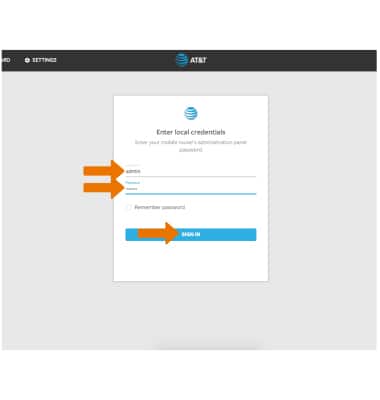
-
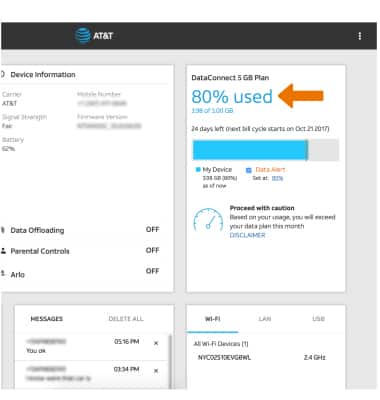
The data usage will be displayed near the top right of the screen.
-
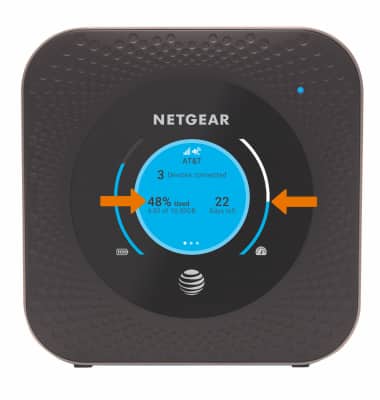
Data usage is also displayed on the first home screen of the device and on the Data usage meter.