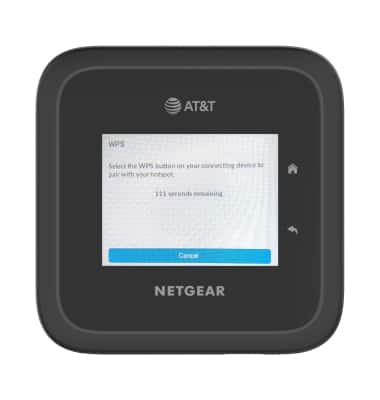
Connect WPS Devices
Nighthawk M6 Pro (MR6500)
Connect WPS Devices
Learn how to connect WPS devices.
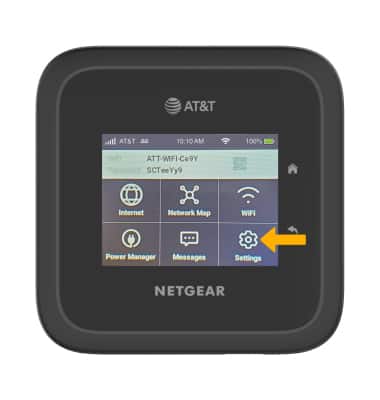
1. From the home screen, select Settings.
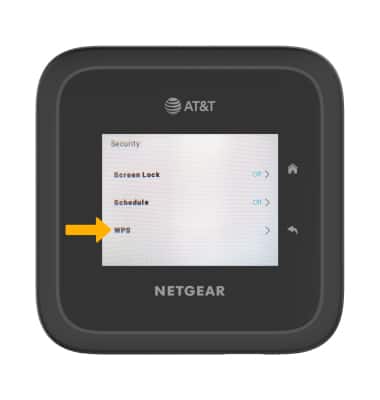
2. Select Security.
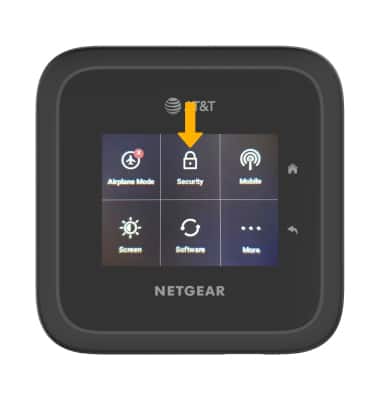
3. Select WPS.
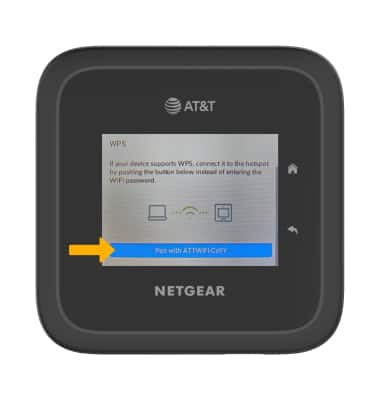
4. Select Pair with (network name).
Note: The default network name will begin with ATT-WIFI.
5. Press the WPS button on the desired connecting device to pair with Nighthawk M6.
Note: Select Cancel to cancel WPS connection pairing request.