Troubleshooting why Wi-Fi calling isn't working
iPhone 14 Plus
Troubleshooting why Wi-Fi calling isn't working
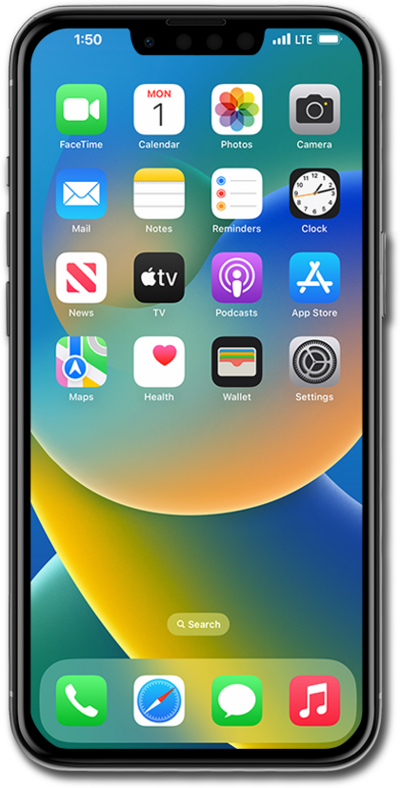
An official troubleshooting guide to resolve Wi-Fi calling issues. Follow these step-by-step manual instructions to diagnose network errors, fix connection drops, and restore seamless voice calling on your device.
1.
Check Airplane Mode is turned off:
- Airplane Mode will disable any Wi-Fi functions such as Wi-Fi calling.
This setting is located at: Home > Settings > Airplane Mode off.
2.
Check Wi-Fi connection:
- Wi-Fi calling won't work on a weak or unstable connection.
- Confirm you're actually connected and have a decent signal.
3.
Turn on Wi-Fi Calling:
- Enable Wi-Fi calling in your iPhone's settings to make phone calls using a Wi-Fi connection.
This setting is located at: Home > Settings > Apps settings > Phone settings > Wi-Fi Calling > Wi-Fi Calling on This iPhone on.
4.
Re-enter your Wi-Fi password / Forget and rejoin the Wi-Fi network:
- A bad connection can silently block Wi-Fi calling even if Wi-Fi appears connected.
5.
Restart your iPhone:
- Hold down the side and either volume button (or just side/top button, if an older model), then swipe the option to power off your device.
6.
Remove and reinsert the nano SIM:
- Eject and reinsert your SIM card to ensure a proper connection.
This will only be applicable to iPhones that use a physical SIM card.
7.
Reset Network Settings:
- Resetting your network settings may help resolve connectivity issues for hotspot.
This setting is located at: Home > Settings > General > Transfer or Reset iPhone > Reset > Reset Network Settings. This will erase saved Wi-Fi passwords.
8.
You've completed the steps!
