Save or share voicemails
iPhone 13 mini
Save or share voicemails
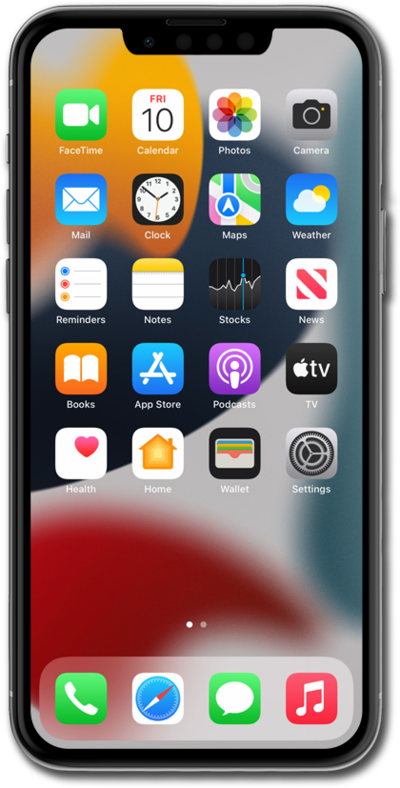
Learn how to save, share, and export important voicemails on your device with this step-by-step guide.
1.
From the Phone app, tap the Menu icon.
2.
Tap Voicemail.
3.
Tap the desired voicemail you'd like to save.
4.
Tap the Share icon.
5.
Select a destination to share your voicemail file to.
Choose Save to Files as the destination to save the file to your iPhone iCloud Drive.
6.
You've completed the steps!
