Setting up voicemail
Setting up voicemail
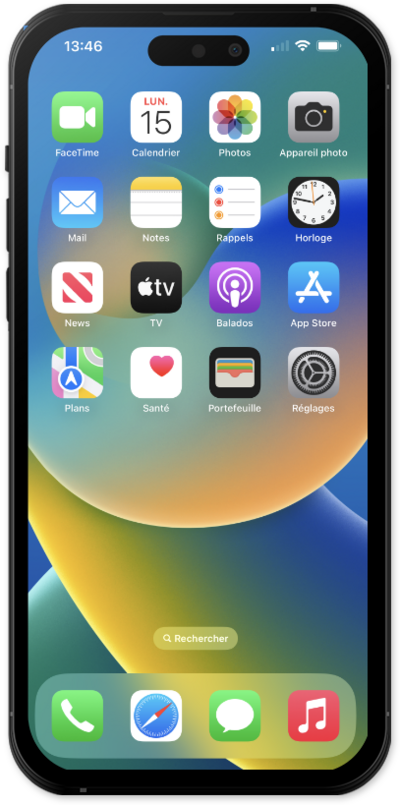
While in the Phone app, a method to set up voicemail is by calling your voicemail inbox. To try this, tap the Keypad icon.
This tutorial steps through how to activate visual voicemail. This option may not be available, depending on your cellular plan.
Press and hold the 1 key on the dial pad and follow along with the menu prompts to complete setting up your voicemail.
You may also be able to dial your own phone number to call your voicemail.
Another method to setup your voicemail in the Phone app is in settings. While in the apps settings, tap Phone.
Scroll to and tap or slide the Live Voicemail toggle to ON.
Back in the Phone app tap the Menu icon.
Tap Voicemail.
Tap Edit.
Tap Edit Voicemail Greeting.
If using Dual SIMs select which SIM's voicemail you'd like to adjust.
Tap Custom to begin the setup for your personalized voicemail greeting.
This tutorial steps through how to record a Voicemail greeting.
You've completed the steps!
