Connecting Apple CarPlay
Connecting Apple CarPlay
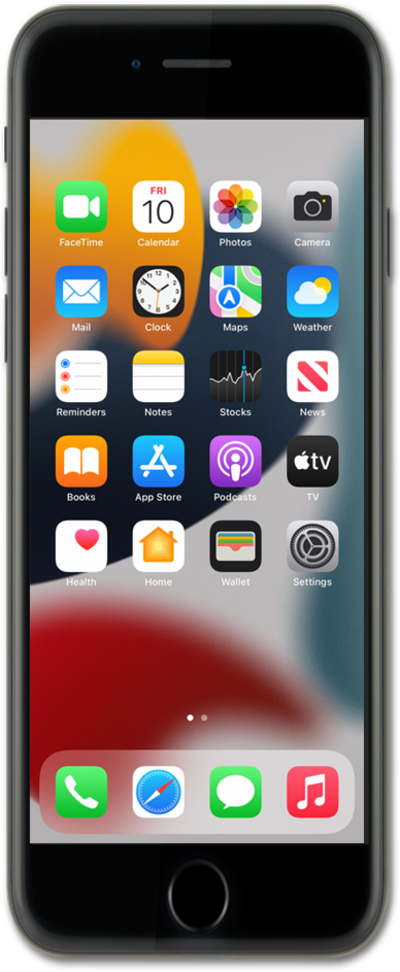
Connect your iPhone to your vehicle using a wired or wireless connection.
- For wired CarPlay, connect your iPhone to the USB port in your vehicle. The port may be marked with a CarPlay or smartphone icon.
- For wireless CarPlay, make sure Wi-Fi is turned on, then use your vehicle's voice command button or pairing settings to begin pairing your iPhone. Follow the prompts to connect.
Once connected, you can access your CarPlay settings from your iPhone. From the settings app, scroll to and tap General.
Tap CarPlay.
When setting up wireless CarPlay, you can also select your vehicle under Other Cars to complete the connection.
Under My Car, tap your vehicle.
From here, you can allow CarPlay while your iPhone is locked, customize which apps and widgets appear in CarPlay, or forget the connected vehicle.
From this screen you can customize your Carplay apps and widgets.
To access additional settings while using CarPlay, tap the Settings app on your vehicle's CarPlay display.
From CarPlay Settings, you can manage features such as Driving Focus, message announcements, appearance, and how icons appear in CarPlay.
You've completed the steps!
