Adding a payment method to Google Play
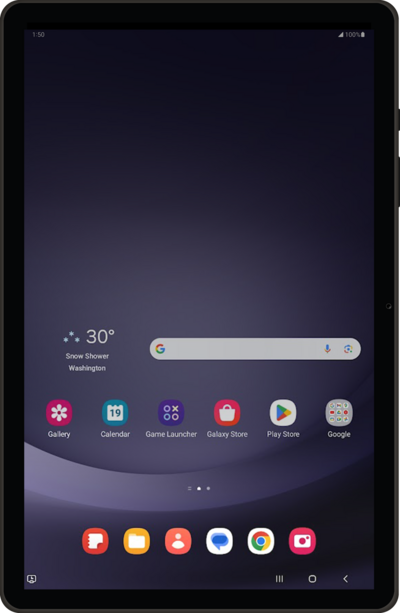
Galaxy Tab A9+ 5G
Adding a payment method to Google Play
1.
From the Play Store app main screen, tap the Account icon.
2.
Tap Payments & subscriptions.
3.
Tap Payment methods.
4.
Tap Add credit or debit card.
5.
Enter your card information and tap Save card.
6.
You've completed the steps!
