How to change your Google Play country
Galaxy S21 FE 5G
How to change your Google Play country
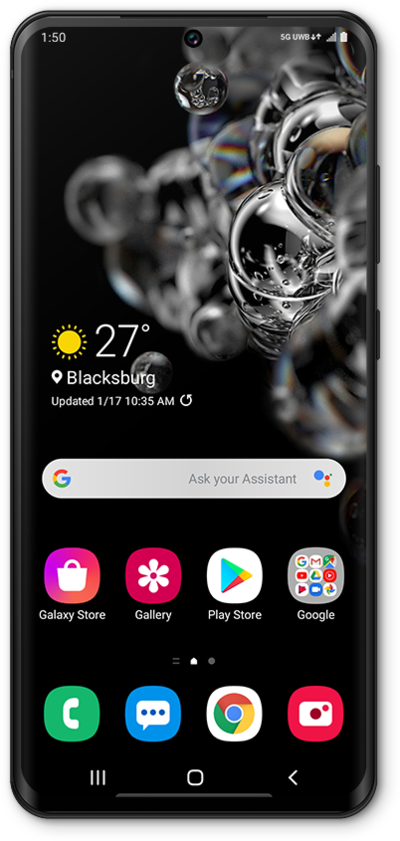
If you relocate to another country, you can change your Google Play country by following these steps within the Google Play Store App. After changing your Google Play Country, the Google Play Store App will present you with the specific content that is available within the newly selected country.
1.
From the Play Store app main screen, tap the Account icon.
2.
Scroll to and tap Settings.
3.
Tap General.
4.
Tap Account and device preferences.
5.
Under the Country and profiles section, tap the country you want to switch to.
You are only permitted to change your Google Play country one time per year. After making this change, you will need to wait a full year before you are able to make this change again.
6.
Tap CONTINUE.
7.
Follow the on-screen prompts to add a new payment method.
Your payment method must be from the country you are switching to.
8.
You've completed the steps!
