How to set up a Family Library in Google Play
Galaxy S21 FE 5G
How to set up a Family Library in Google Play
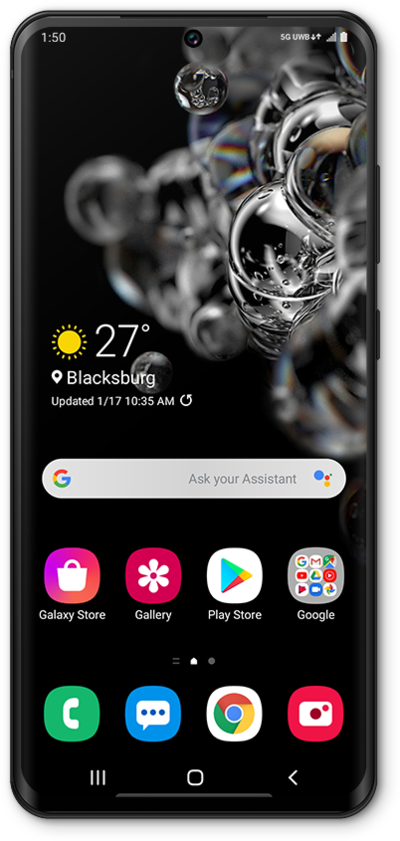
Learn how to set up Family Library within the Google Play Store App. With Family Library configured, you will be able to share your purchases with up to 5 family members and manage your family’s purchases.
1.
From the Play Store app main screen, tap the Account icon.
2.
Scroll to and tap Settings.
3.
Tap Family.
4.
Tap Sign up for Family Library.
5.
Tap SIGN UP.
Follow the on-screen prompts to finish setting up your Family Library
6.
You've completed the steps!
