Turning on purchase authentication in Google Play
Galaxy Tab A9+ 5G
Turning on purchase authentication in Google Play
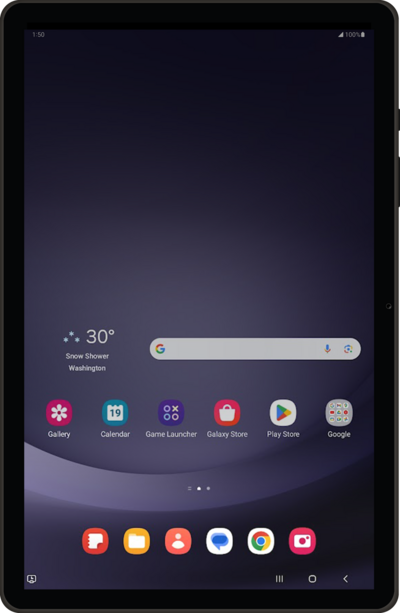
Learn how to enable purchase authentication to protect your account from fraudulent purchases.
1.
From the Play Store app main screen, tap the Account icon.
2.
Tap Payments & subscriptions.
3.
Tap Purchase verification.
4.
Tap Verification frequency.
If you are using Biometric verification, toggling your Biometric verification off and on forces the Play Store to re-register your fingerprint or face scan. This is highly effective if your phone keeps ignoring your biometric login attempts.
5.
Select your preferred purchase authentication setting, then tap OK.
Temporarily changing this setting to Always forces Google Play to reset its security connection. This is a quick trick to kickstart the system if your screen is freezing or looping during checkouts.
6.
Enter your Google account password, then tap Verify.
7.
You've completed the steps!
