Reviewing your Google Play transaction history

Pixel 10 Pro

Reviewing your Google Play transaction history
1.

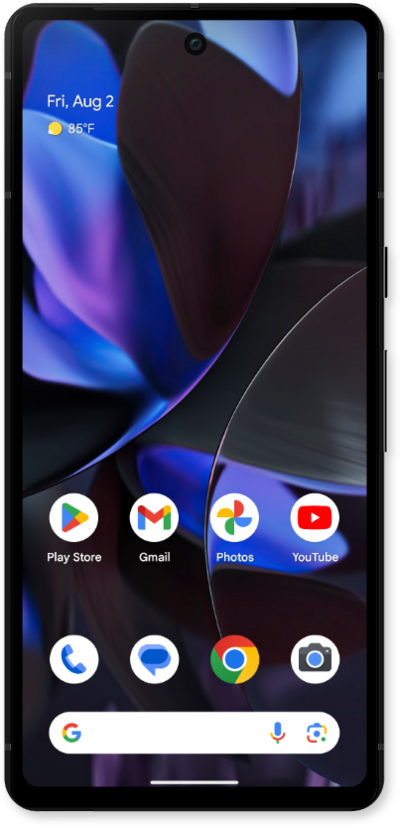
From the Play Store app main screen, tap the Account icon.

Next
From the Settings app, scroll to and tap Apps.

Was this guide helpful?


Related topics


Buying and managing apps

Downloading an app from Google Play
How to send a book as a gift in Google Play
Making an in-app purchase
Preventing Google Play from downloading apps over a cellular connection
Reinstalling a previously downloaded app
Turning on purchase authentication in Google Play
Uninstalling an app from Google Play
Updating account information in Google Play
Updating an app in Google Play