Enabling auto updates for all Android apps
One 5G
Enabling auto updates for all Android apps
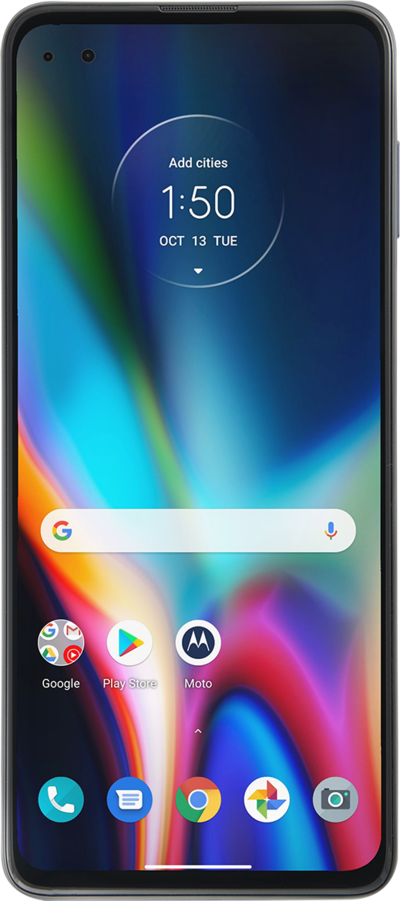
Learn how to enable Auto-update for all of your Android Apps so you can ensure your apps are up to date on all the new features, security, and functionality.
1.
From the Play Store app main screen, tap the Account icon.
2.
Tap Settings.
3.
Tap Network preferences.
4.
Tap Auto-update apps.
5.
Tap Update all apps over Wi-Fi or mobile data.
If you don't want to have apps update over your cellular network, tap Over Wi-Fi only.
6.
You've completed the steps!
