Turning Do Not Disturb on and off
Galaxy Watch9
Turning Do Not Disturb on and off
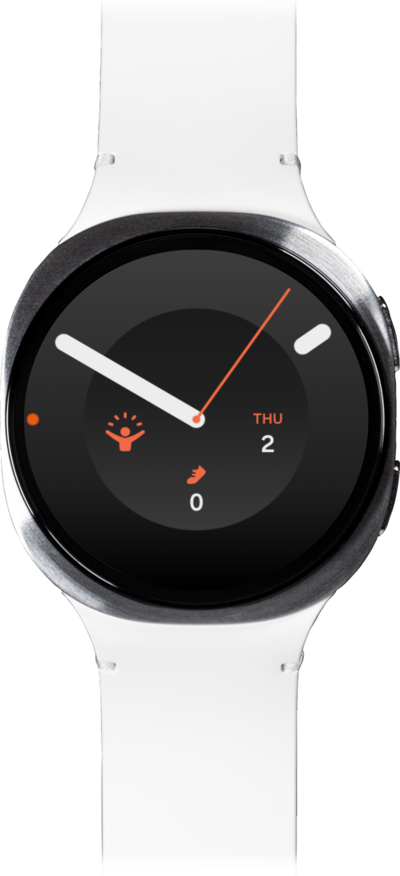
Do Not Disturb (DND) allows users to silence incoming calls and notifications temporarily, sending them directly to voicemail or marking them as missed.
1.
From a watch face, drag down the Quick settings panel.
Do not disturb silences all notifications on your watch, excluding alarms.
2.
Swipe left to access your other panels, and tap the Do not disturb icon.
3.
Select your preferences, then tap Turn on.
Tap the 1 Hour option to customize the duration of Do not disturb. By default, it will remain active until you turn it off.
4.
You've completed the steps!
