Changing web content settings
Galaxy A15 5G
Changing web content settings
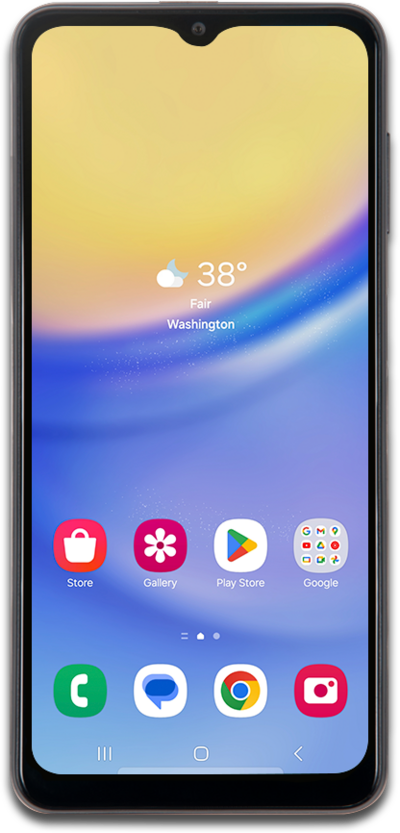
Settings that you can configure include the search engine your browser uses, auto-fill form information, saved passwords, and more.
1.
From the Chrome app, tap the Menu icon.
2.
Scroll to and tap Settings.
3.
Scroll to and tap Site settings.
4.
Select a category.
5.
Select your preferences.
6.
You've completed the steps!
