Using long press on the Home Screen
iPad Pro 11-inch (2nd generation)
Using long press on the Home Screen
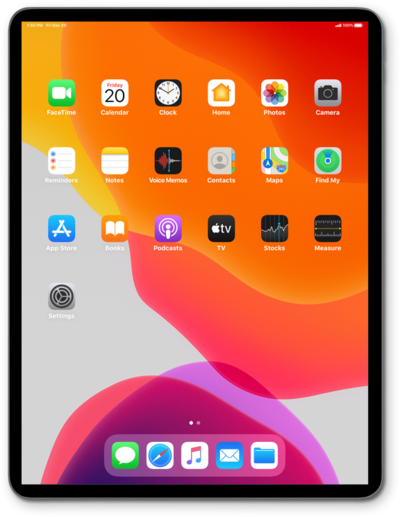
Discover how to use 3D Touch on the Home screen of iPhone. The 3D Touch menus can be used as shortcuts into the app.
1.
From the Home screen, press and hold an app to bring up app shortcuts.
2.
Select an app shortcut.
3.
You've completed the steps!
