Sending an email
Galaxy A11
Sending an email
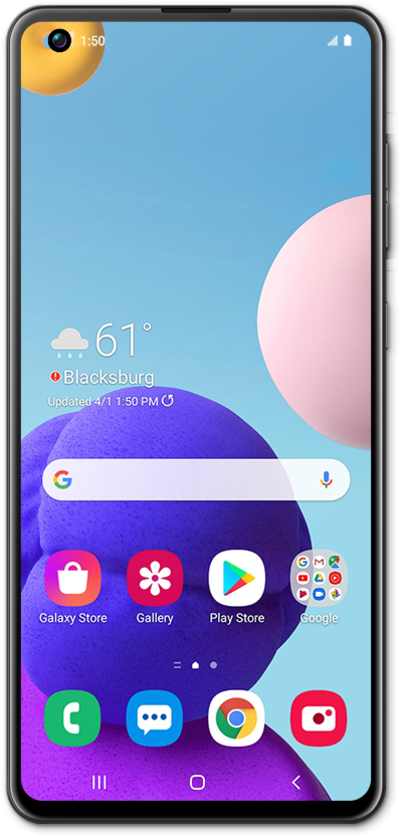
Use this tutorial to understand the basics of how to compose and send out an email using your application.
1.
From the Gmail app main screen, tap Compose.
2.
Enter a contact's name.
3.
Select the contact.
4.
Tap the Subject field.
5.
Enter a subject.
6.
Tap the Next key.
7.
Compose your message.
8.
Tap the Attachment icon.
For this tutorial, we're selecting an image file. You can choose other types of attachments to send with an email, but steps may vary slightly based on what type of file you choose.
9.
Tap Attach file.
10.
Select a photo.
You can select more than one image by repeating this steps 8-10.
11.
Tap the Send icon.
12.
You've completed the steps!
