Turning the flash on and off
Galaxy S20 FE 5G
Turning the flash on and off
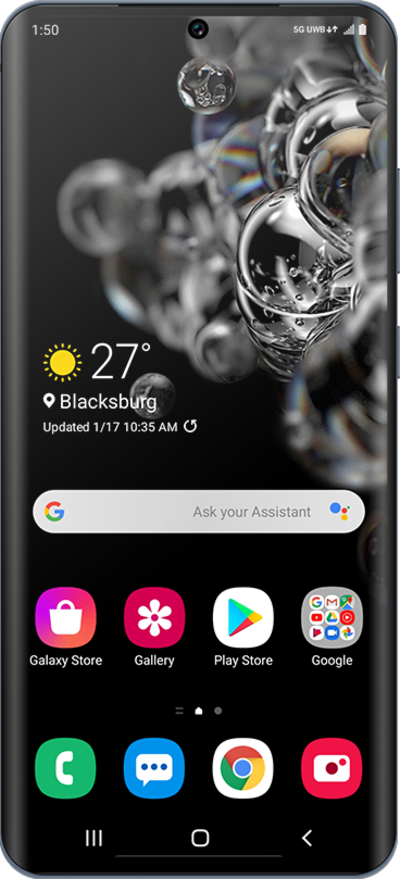
You can update the preferences for your device's flash while taking a picture. The flash can provide light to a low light picture to make the subject more visible. You may want to turn off flash if you are in an area that prohibits the use of flash. Make sure HDR mode is set to auto or turned off to use flash.
1.
From the Camera app, tap the Flash icon to change the flash setting.
2.
Select your preferred flash setting.
3.
Tap the Shutter icon to take a picture.
4.
You've completed the steps!
