Planning your day
Galaxy S10
Planning your day
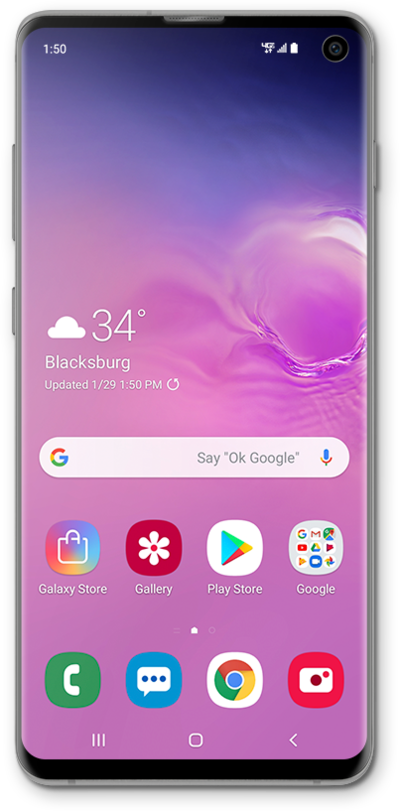
Your Google Assistant can be set up to perform certain tasks automatically after being given a voice command. It can help with home automation or tell you how long it will take to get to work.
1.
From the Google app main screen, tap the Account icon.
2.
Tap Settings.
3.
Tap Google Assistant.
4.
Tap Routines.
5.
Tap Good morning.
6.
Tap Add action.
7.
Choose a category.
8.
Select your preferences.
9.
Tap Done.
10.
Tap Save.
11.
Press and hold the Home button.
12.
Speak "Tell me about my day".
13.
You've completed the steps!
