Replying to an email
Galaxy A50
Replying to an email
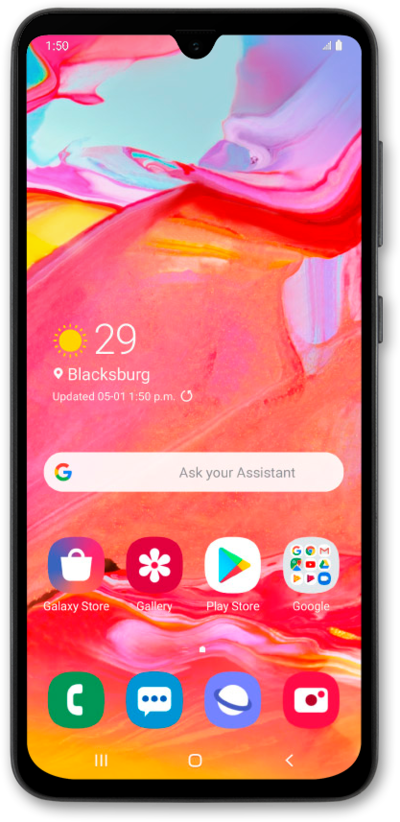
You can set your device to notify you when you get an incoming email to one of the email addresses set up on your device. From the email notification in your notification panel, you can reply to the email without opening the app.
1.
From the Home screen, drag down the Notification panel.
2.
Select the email you'd like to reply to.
3.
Tap Reply.
4.
Enter your reply.
5.
When you're finished, tap the Send icon.
6.
You've completed the steps!
